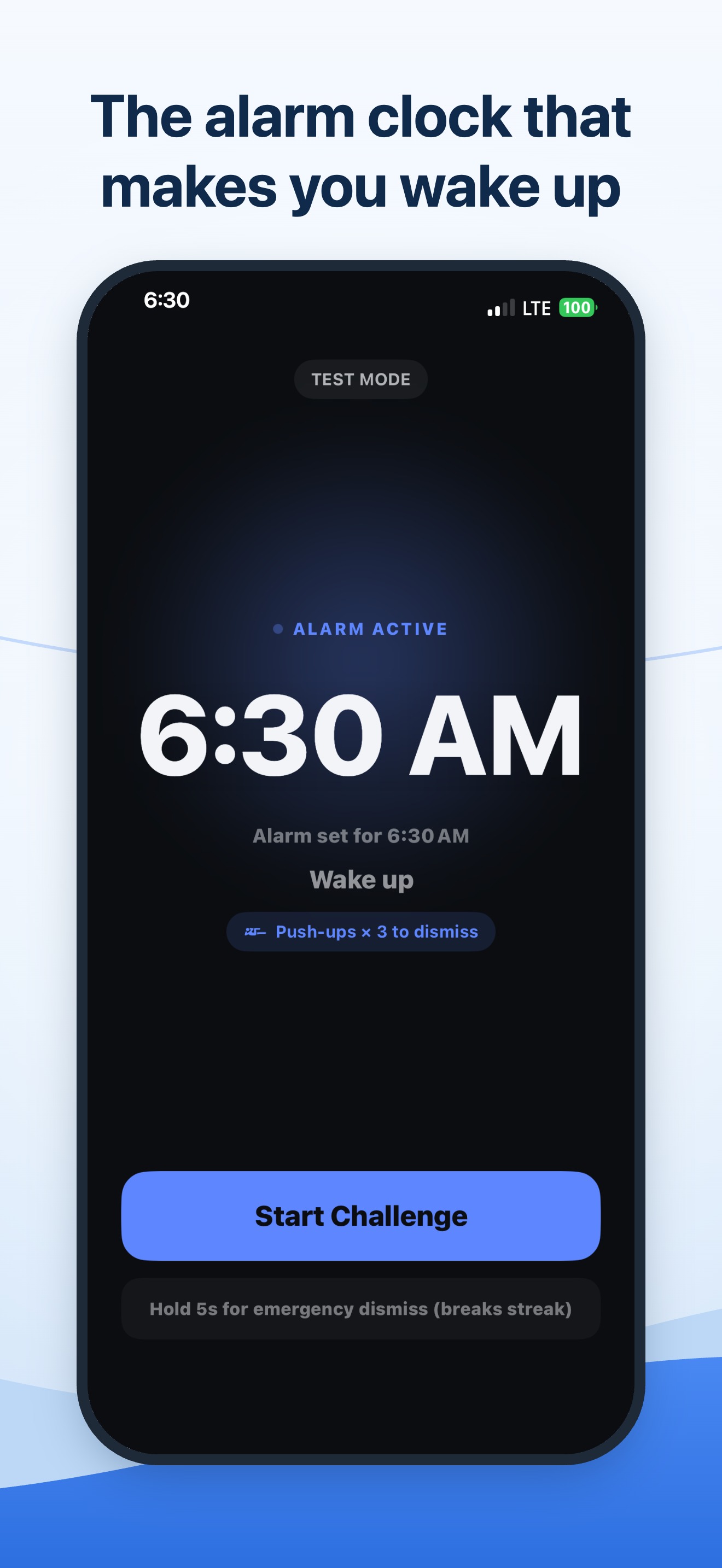
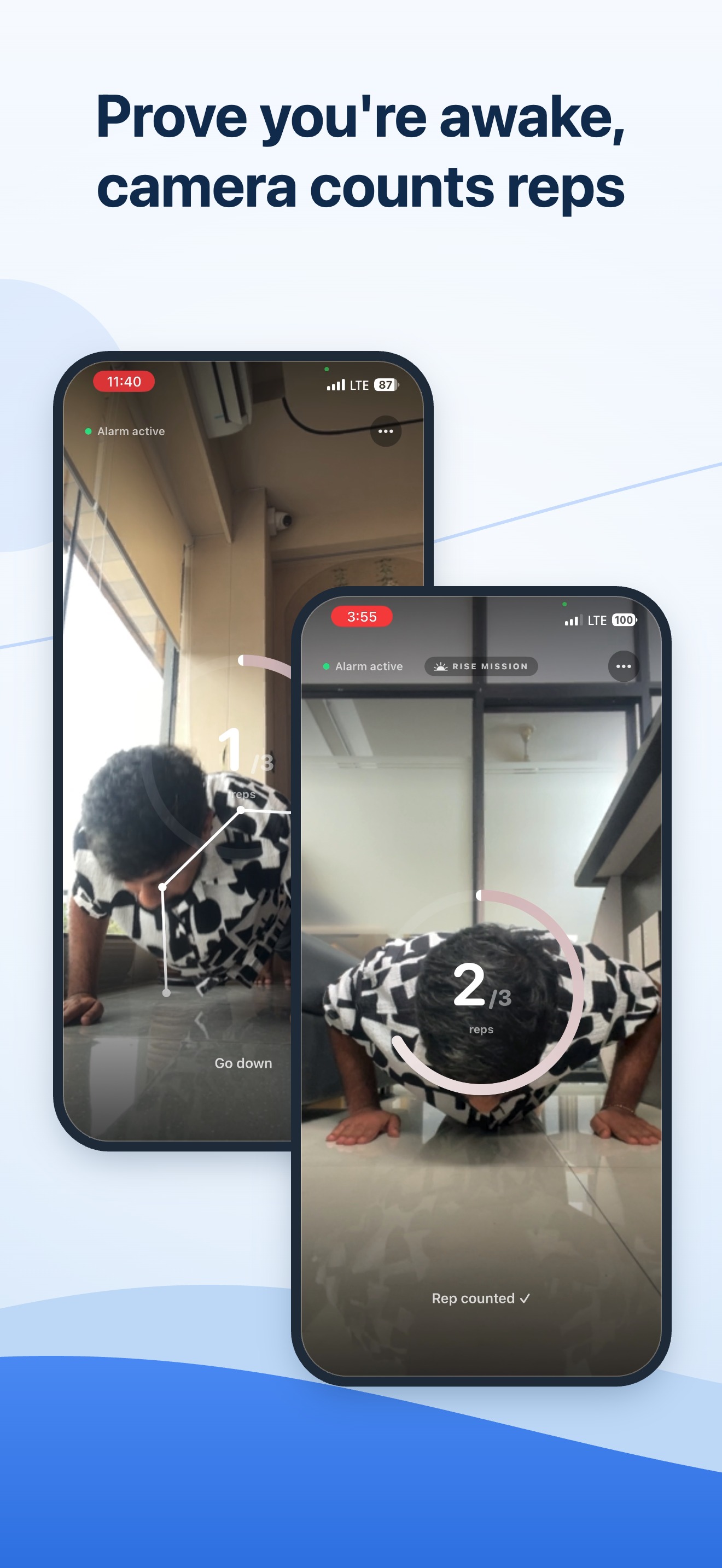
Prove you're awake with a wake-up challenge — push-ups, voice, a shake, math, or a QR scan. No snooze, no bargaining.
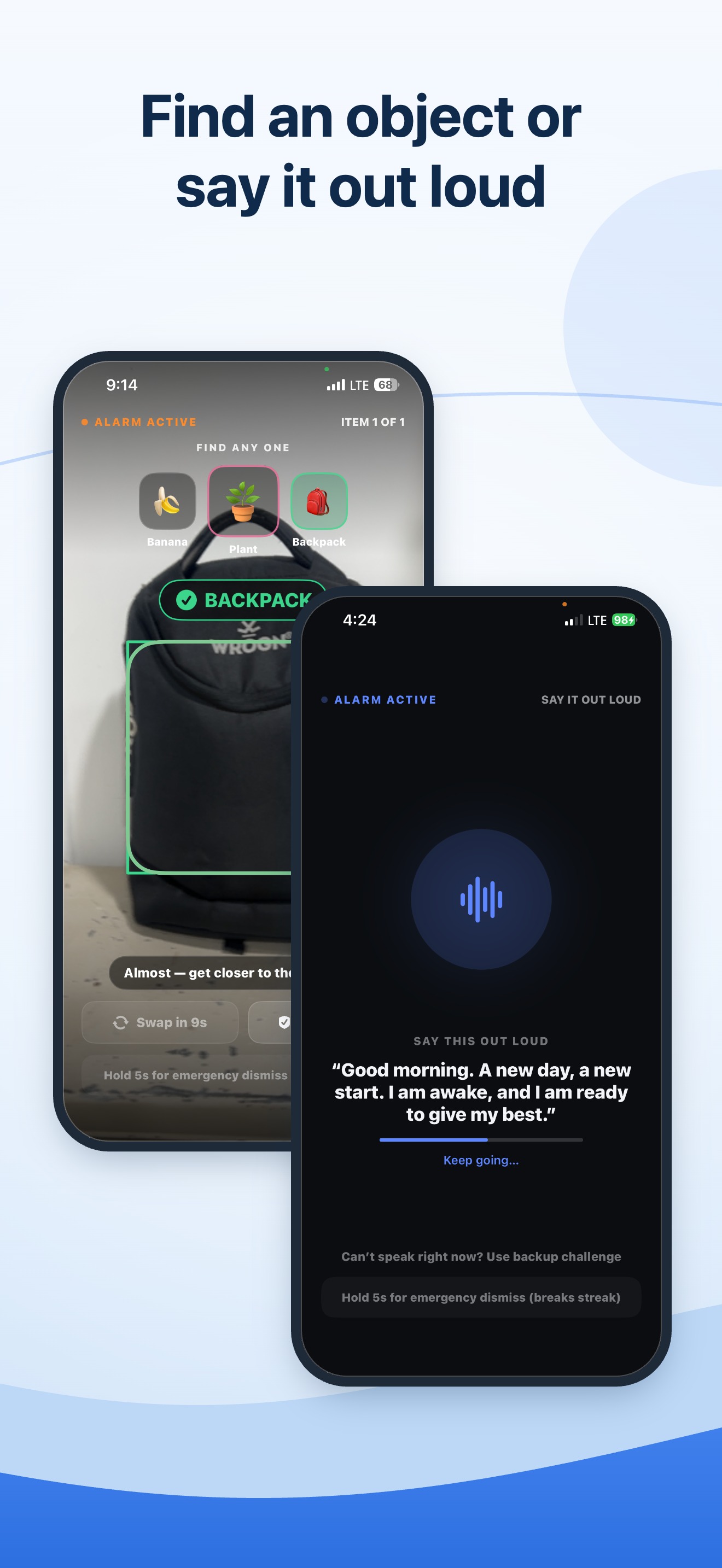
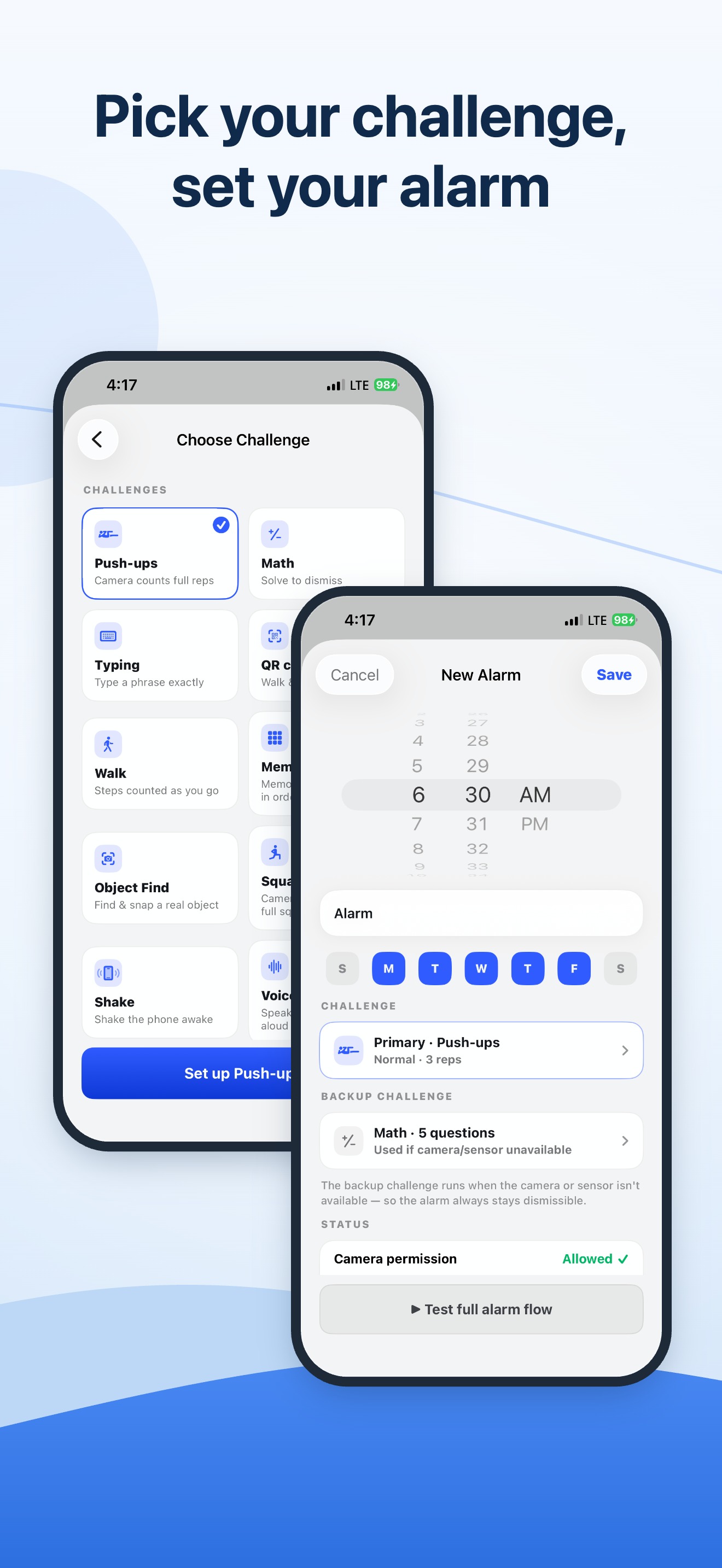
Every physical challenge has a mental backup, and an emergency dismiss is always there. Tough, never a trap.
Camera and voice are processed on your iPhone and never recorded or uploaded. No account, no cloud, no tracking.
Built on Apple AlarmKit, so it rings on Silent, in Focus, and on the Lock Screen — even with the app closed.
When your alarm rings, you complete a quick wake-up challenge — push-ups counted by your camera, a spoken morning affirmation, a shake, math, or scanning a QR code across the room. The alarm keeps ringing until you finish, so you can't tap snooze and fall back asleep.
Yes. Rise Mission uses Apple's system alarms (AlarmKit), so it rings on the Lock Screen, in Silent mode, and during a Focus — even with the app closed. A powered-off iPhone can't ring, and no alarm app can change that.
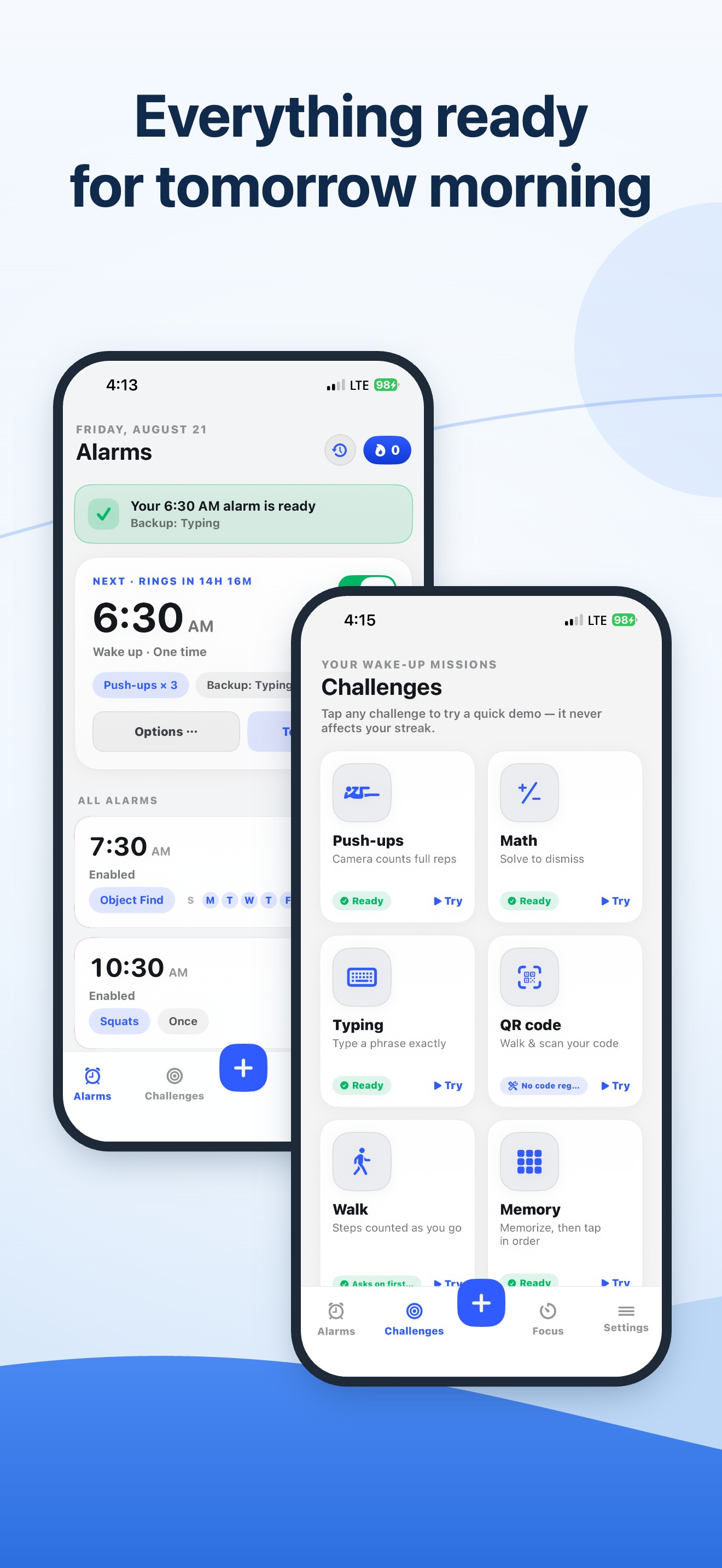
Ten. Push-ups and squats counted by your camera, a walk that counts your steps, Object Find, and a QR scan, plus Voice (say an affirmation out loud), Shake, Math, Typing, and Memory. Every physical challenge pairs with a mental backup.
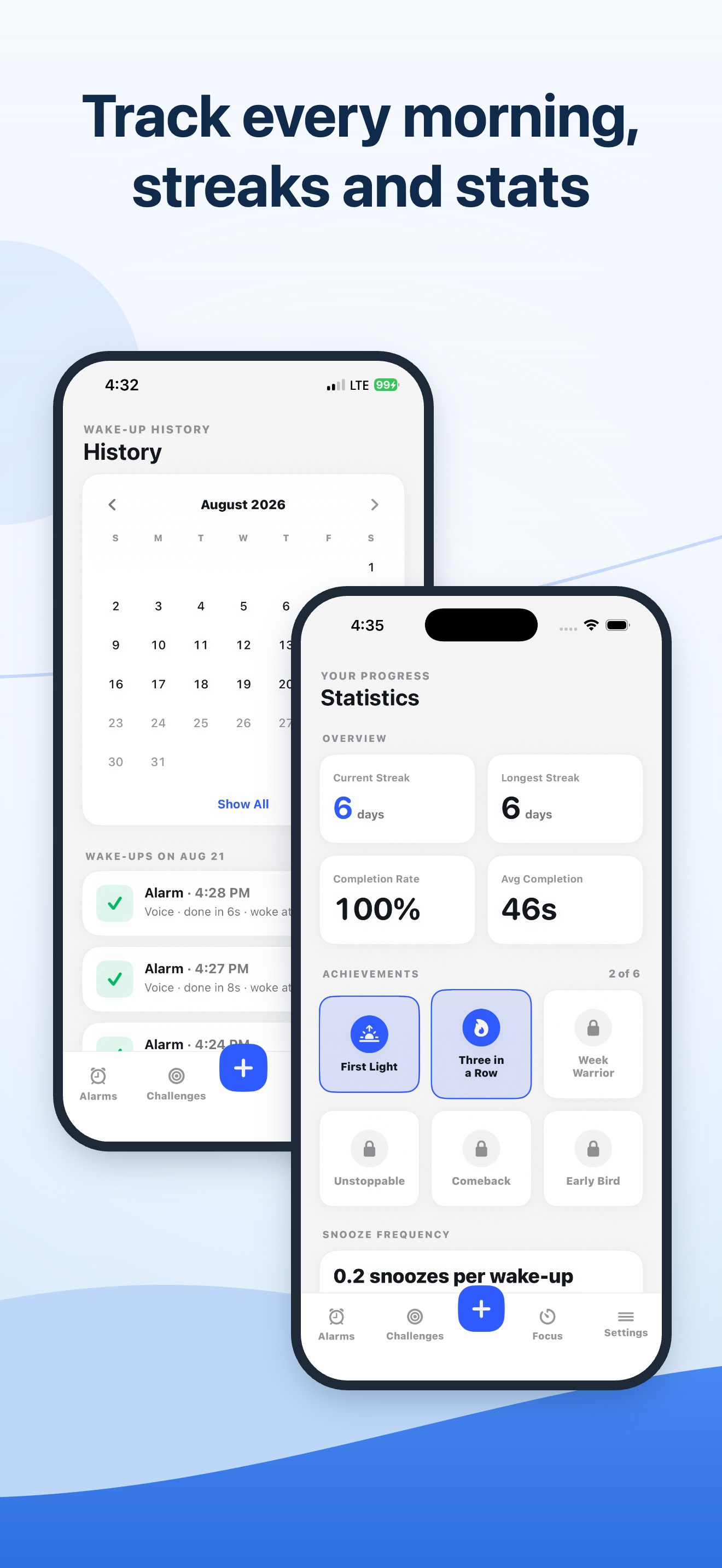
Completely. Camera frames and your voice are processed on your iPhone with Apple's Vision and Speech frameworks and discarded immediately — never recorded, saved, or uploaded. There's no account and no cloud sync; your alarms and history stay on your device.
Every physical challenge has a mental backup that runs automatically when the camera or a sensor isn't available, so your streak stays safe. An emergency dismiss (hold five seconds) is always there too, so a ringing alarm can never trap you.
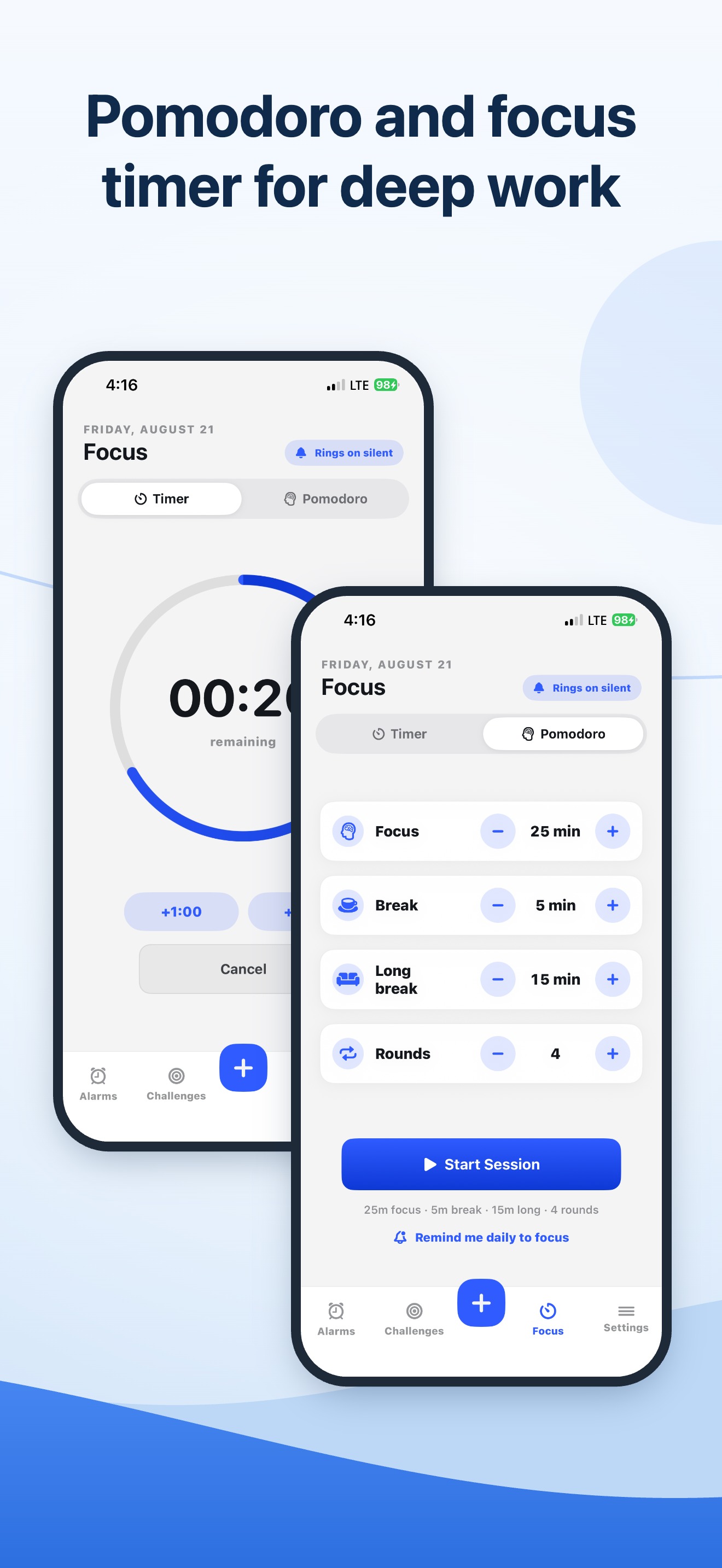
Rise Mission is free to download. Rise Mission Pro — available weekly, yearly, or as a one-time lifetime purchase — unlocks every challenge, unlimited alarms, all sounds, the Focus timer and Pomodoro, and full stats.
Heavy sleepers and chronic snoozers — anyone who can turn off a normal alarm in their sleep. If you have early workouts, classes, shifts, or flights to catch, the wake-up challenge makes sure you're genuinely awake before the alarm stops.
Free on the App Store — on-device, private, and ready for tomorrow morning.
Free · iPhone · iOS 26 · No ads, no account, no tracking